Participant Guide
Download the PRISM App to your device. Then follow the instructions to participate in a research experiment.
All data user data is stored securely in a Firebase project.
You may wish to share a customised version of this section as a one-page guide for your study cohort.
Step 1: Join the experiment
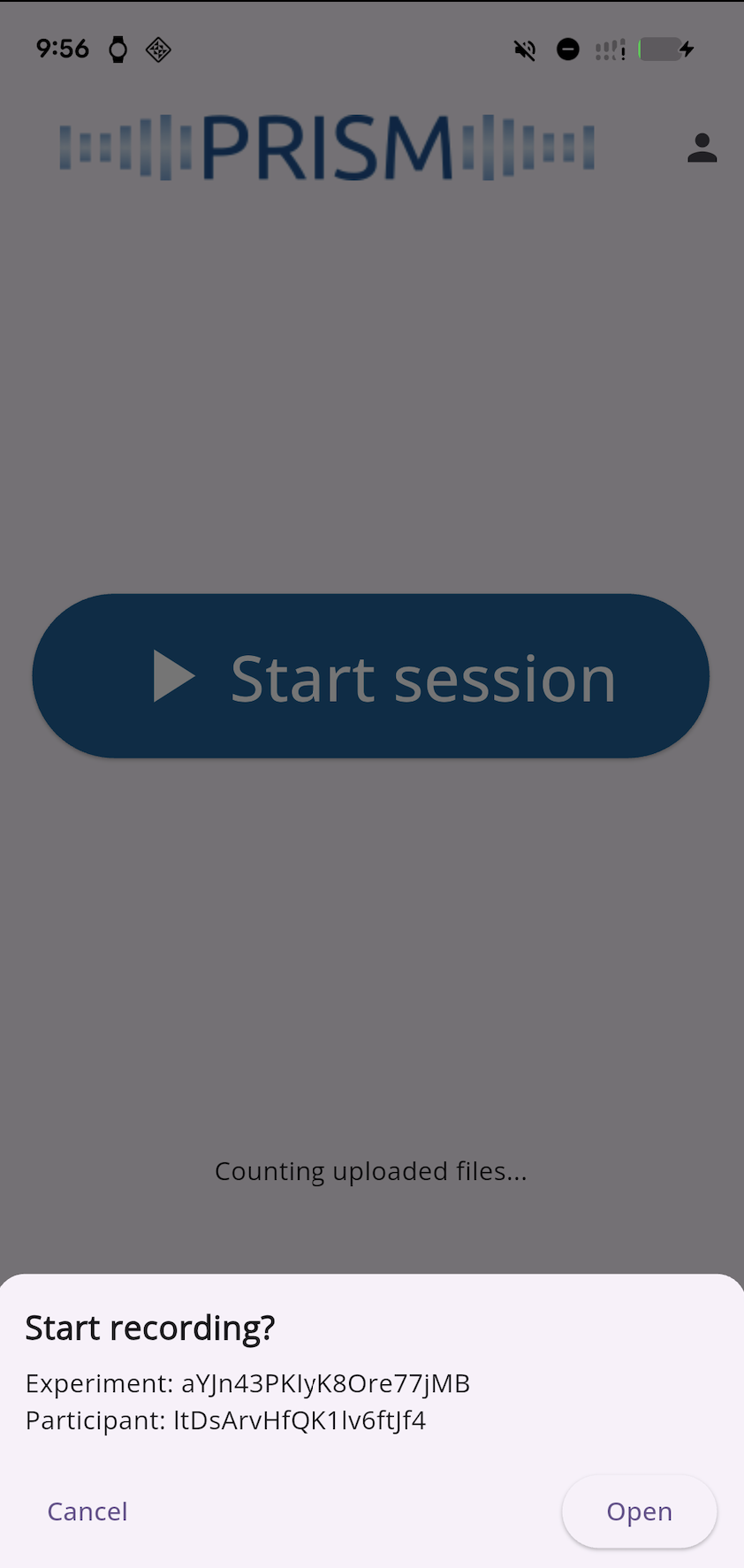
Once the participant clicks the invite link from their email, they will be able to see this interface. Click “Open”.
Step 2: Starting the experiment
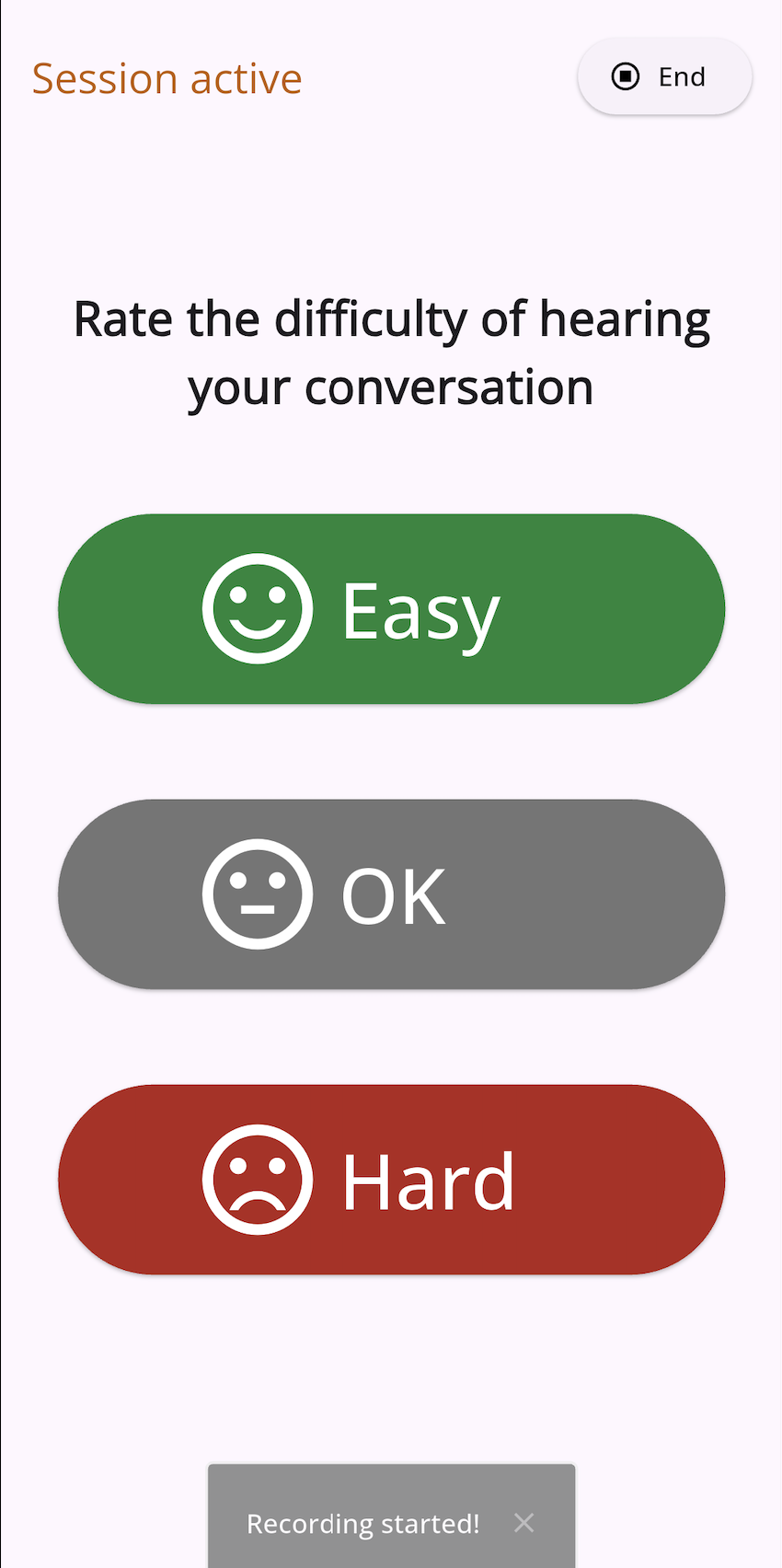
- The Recording Period: This is the block of time (Like a 4 hour window)
- The Recording Session: Those are the individual “sessions” (short recordings) that happen inside it.
Step 3: Sending a recording
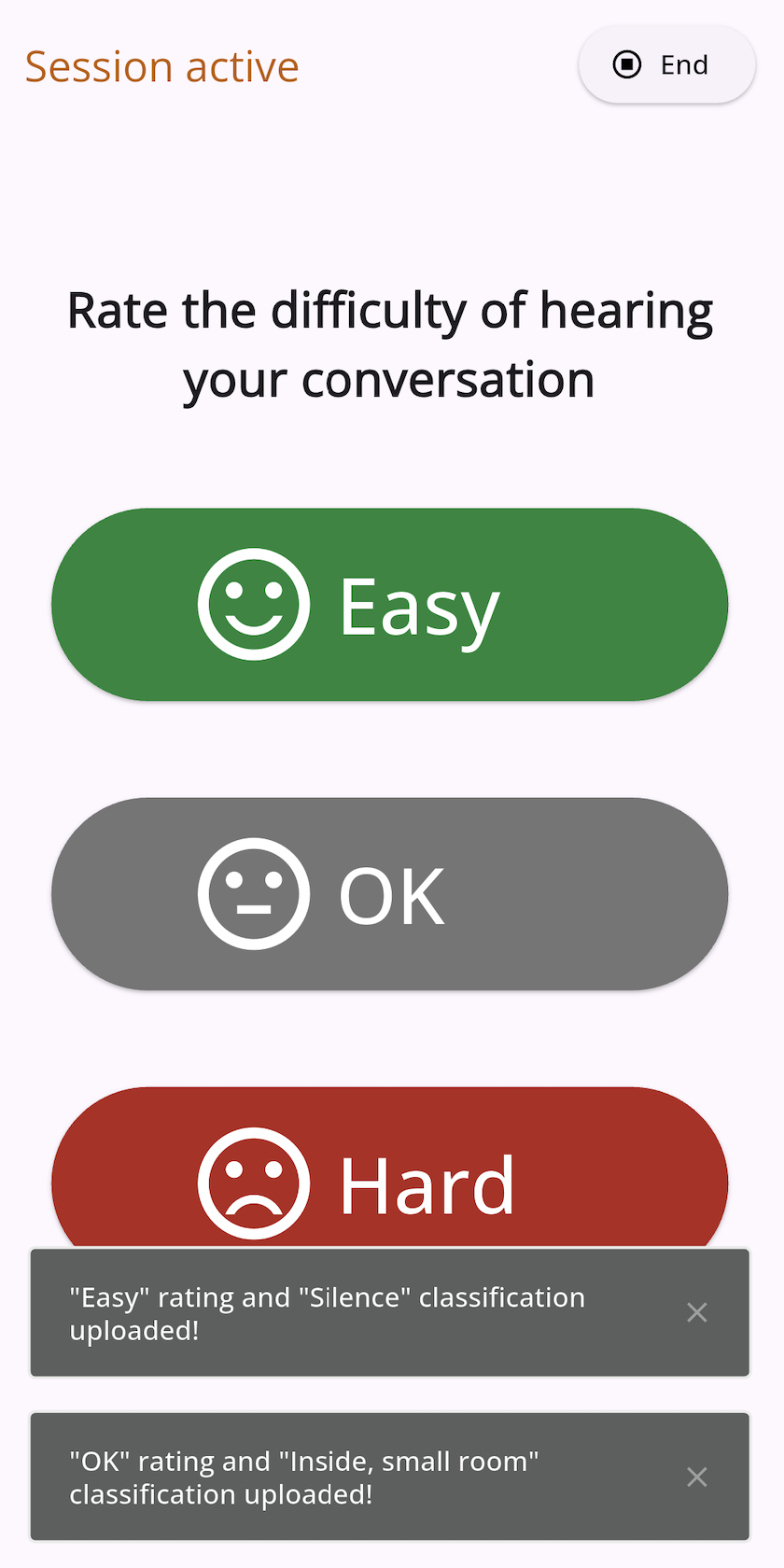
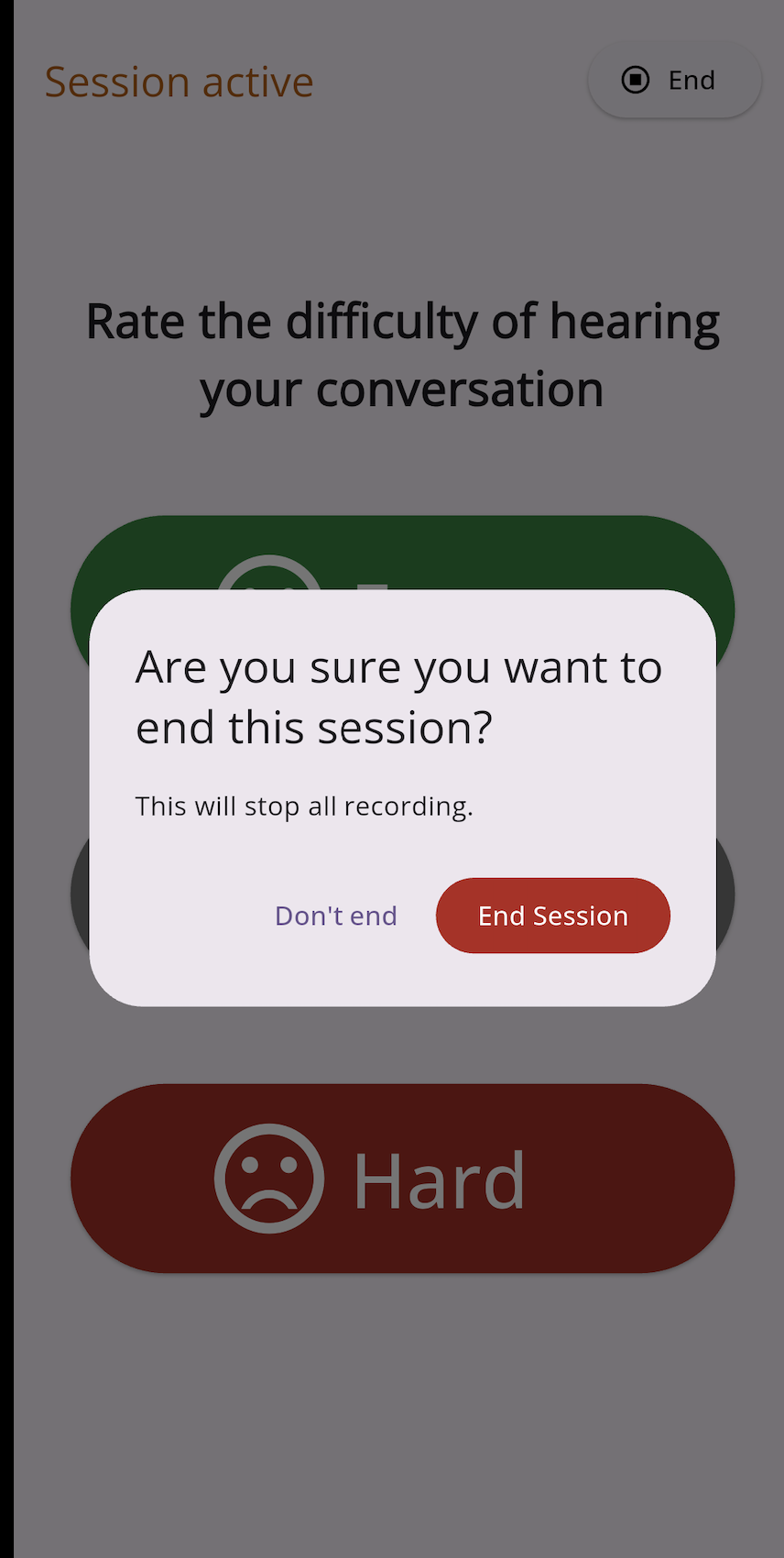
Step 4: Finish the session